Free for iPhone & iPad
Plan your whole wedding in one private place.
Guest list, RSVPs, seating, budget, vendor contracts and your day-of schedule — together in one app. No account to create, no ads, and nothing is ever sent to us.
- 100% free
- No account or sign-in
- No ads
- Syncs with your own iCloud
What it does
Everything you’re juggling, finally in one place.
Most couples plan a wedding across a spreadsheet, a notes app, a folder of PDFs and a group chat. This replaces all of it.
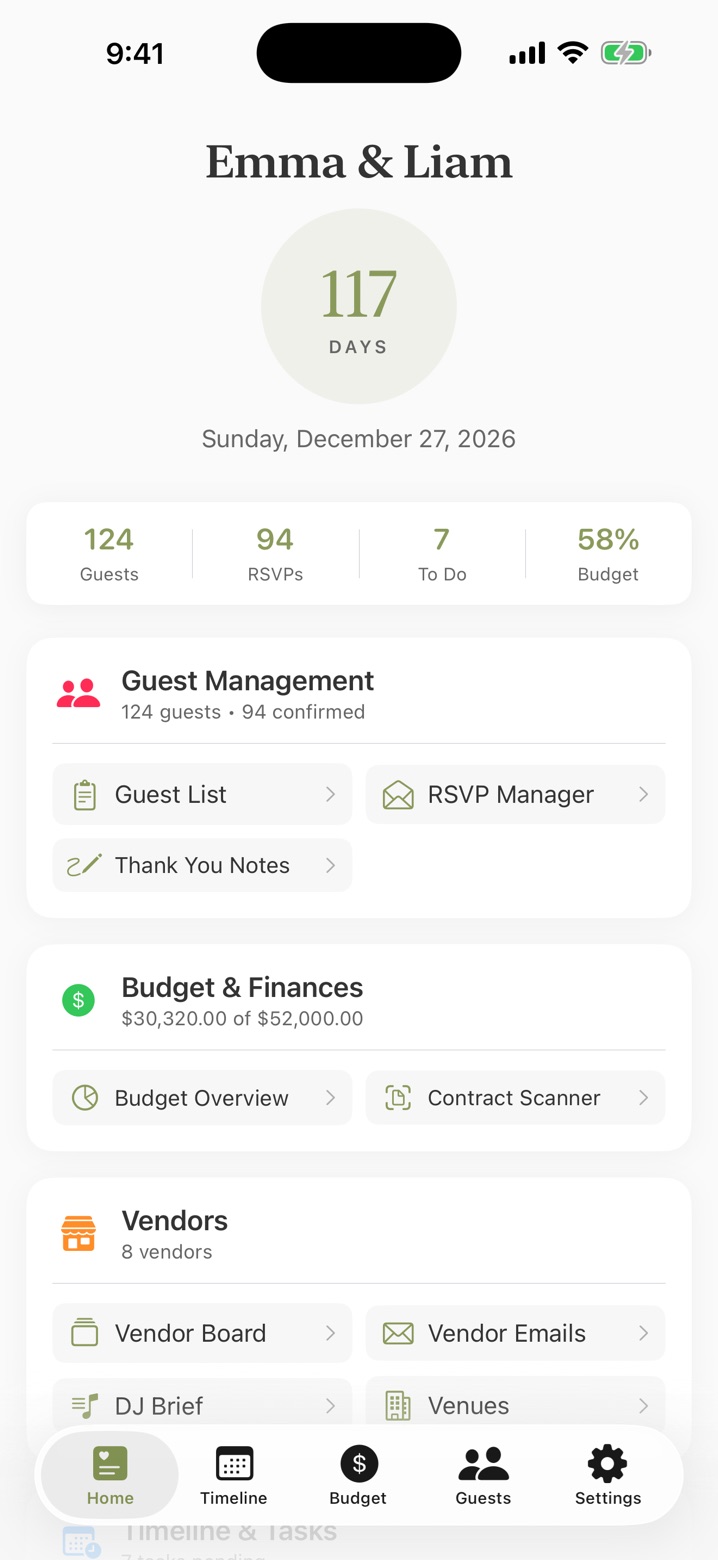
Home
Your whole wedding at a glance.
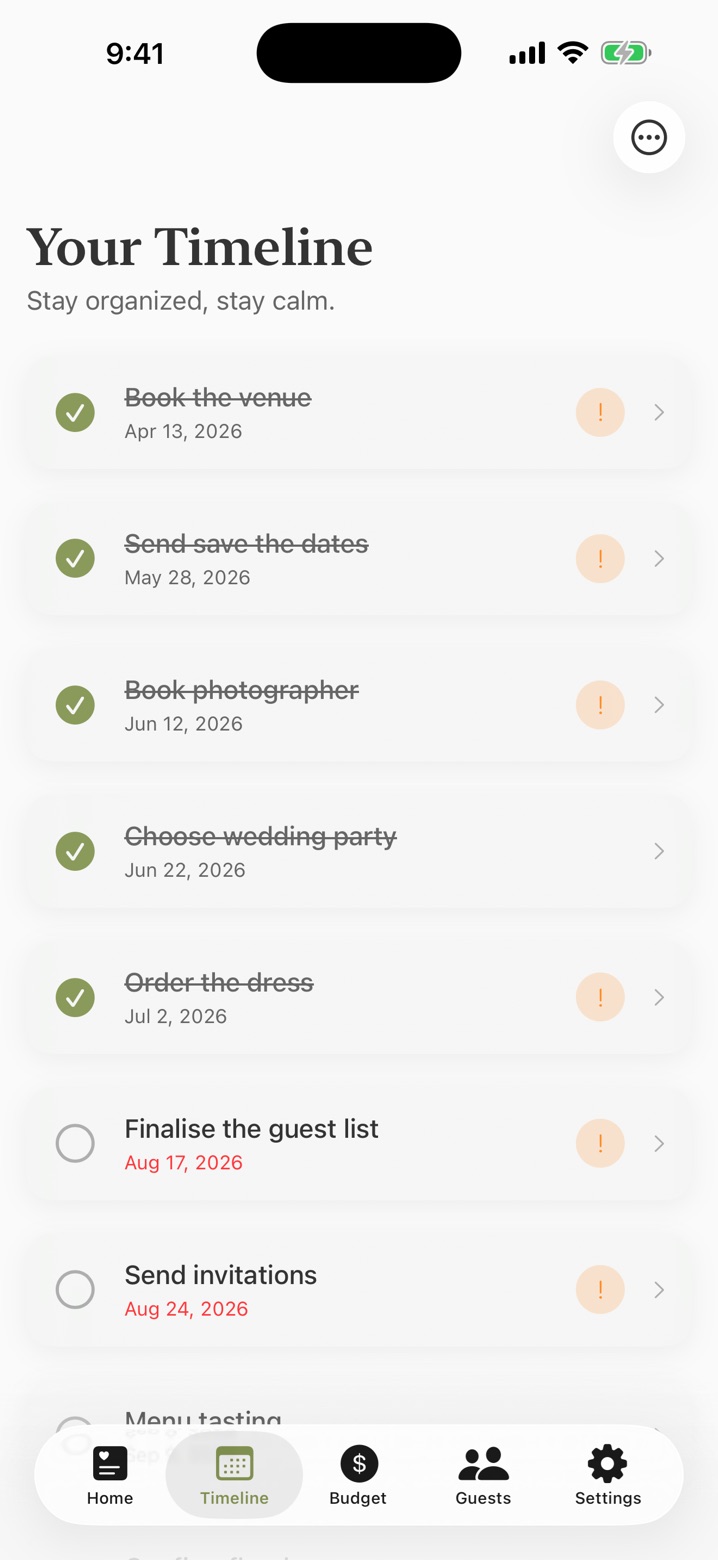
Open the app and see where you stand: days to go, who’s replied, what’s left to do and how much of the budget is spoken for. Every tool is one tap away.
- Live countdown to your date
- Guests, RSVPs, to-dos and budget in one summary
- A planning checklist with due dates, so nothing slips
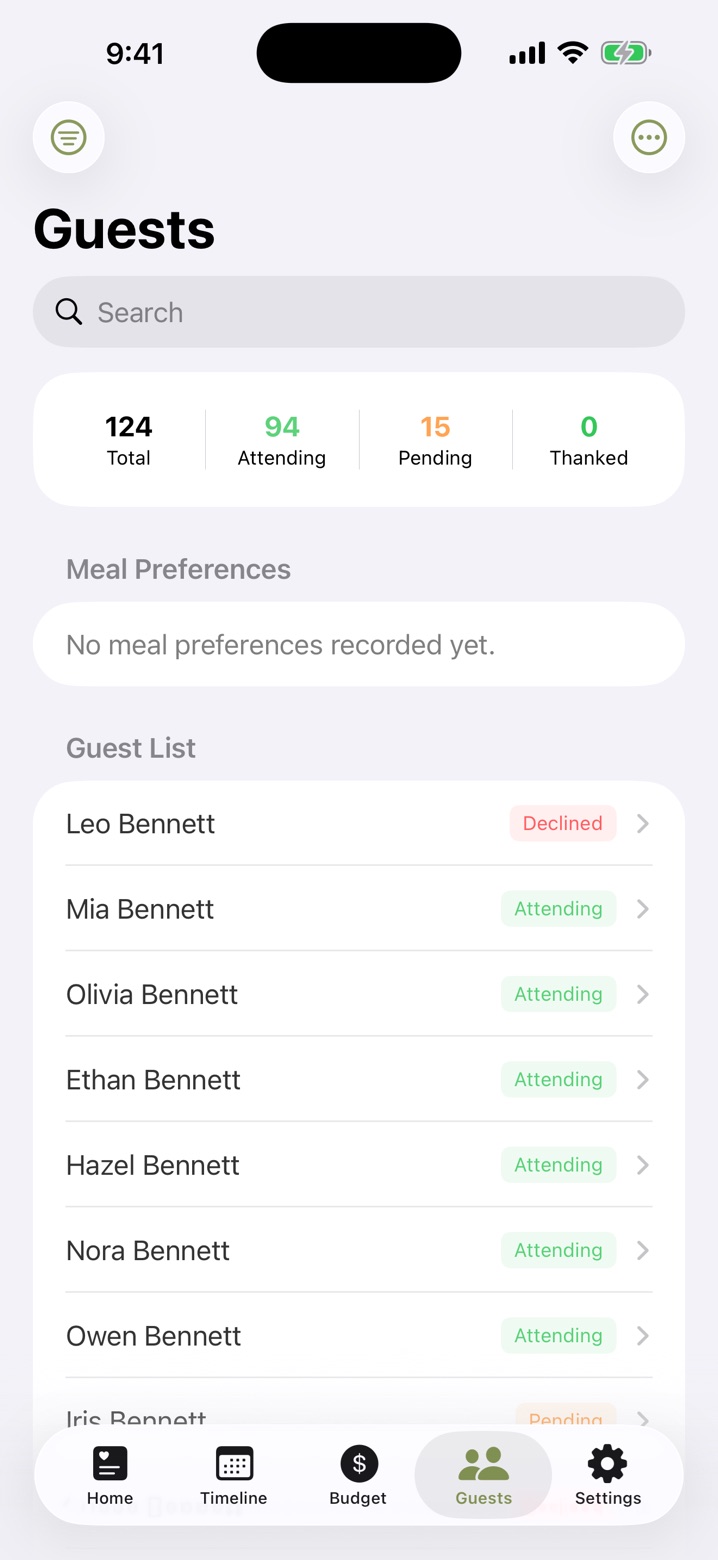
Guests & RSVPs
Know exactly who’s coming.
One list for everyone you’ve invited, with the details caterers and venues actually ask for.
- RSVP status, meal choices and dietary needs
- Plus-ones, children and households
- Record gifts and tick off thank-you notes as you send them
- Export the guest list as a spreadsheet any time
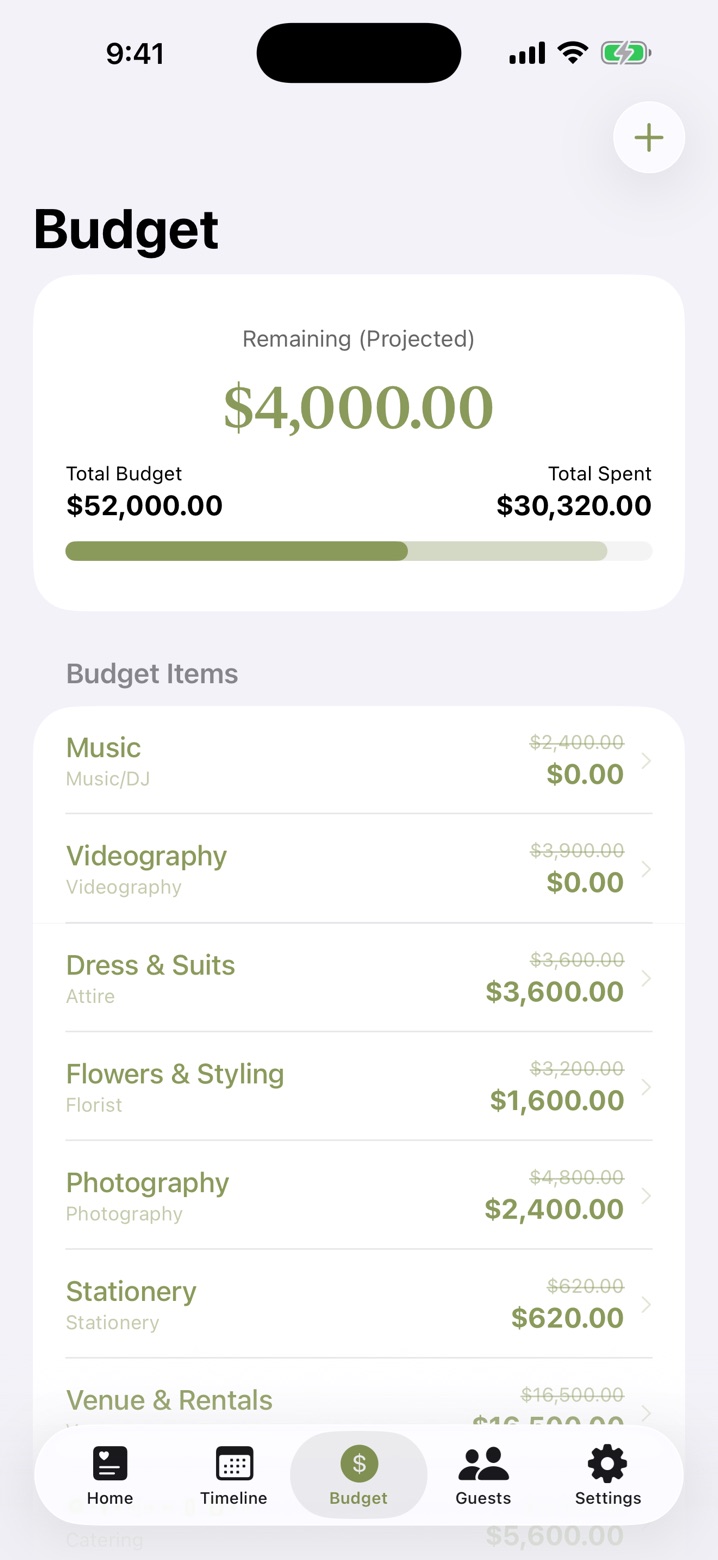
Budget
A budget you can trust.
Set your total, break it into categories and track estimates against what you’ve actually paid — so the number at the top is always real.
- Estimated vs. paid for every line item
- Link items to vendors so deposits and balances stay in step
- Projected remaining, updated as you go
- Multi-currency support
Contract scanner
Snap a vendor contract. Get the fine print, sorted.
Vendor contracts bury the dates and amounts that matter. Pick a photo of one and the app reads it for you.
Choose a photo
Pick a photo of your contract from your library.
It pulls out what matters
Payment amounts, due dates and key terms like cancellation and refund policies.
Add it to your budget
Send the payments into your budget so every deposit and balance is tracked.
Contract analysis runs on your device using Apple’s on-device intelligence, with local text matching on devices where Apple Intelligence isn’t available.
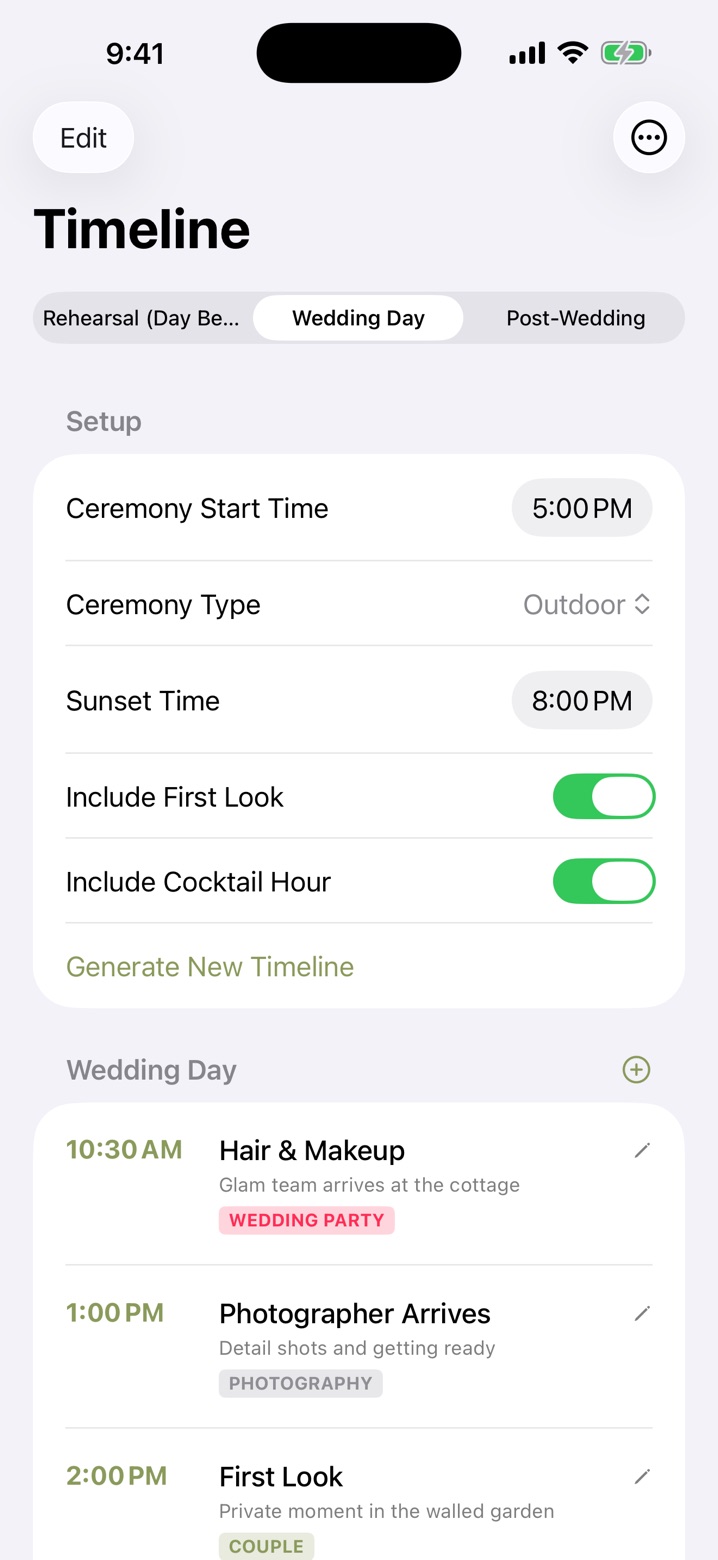
Run of show
Your day, hour by hour.
Enter your ceremony time and the app generates a full run of show. Then edit it however you like.
- Covers the rehearsal, the wedding day and the morning after
- Options for a first look and cocktail hour
- Share as text or export a PDF for vendors and your wedding party
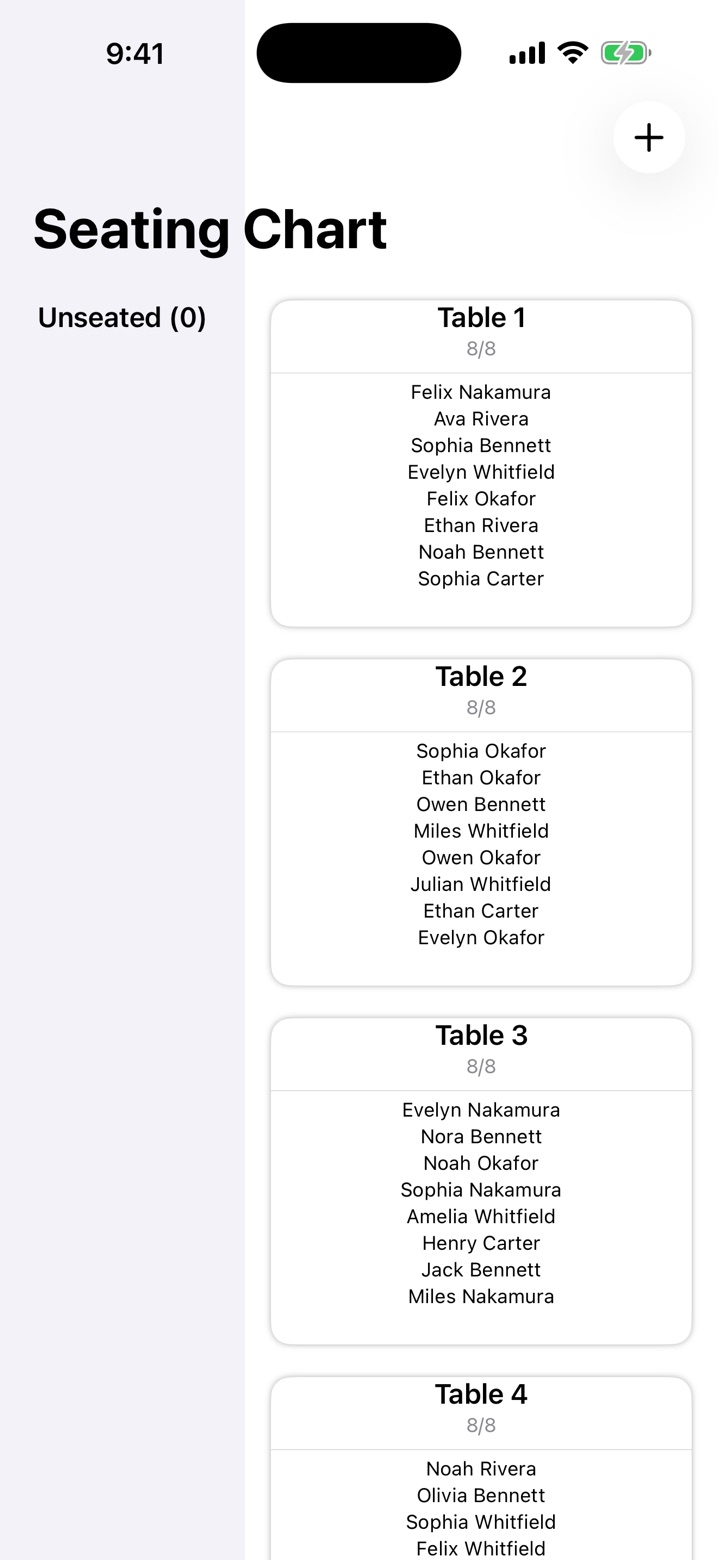
Seating & floor plan
Seating that actually works.
Build your tables, then drag them into place on a floor plan of your reception.
- See who’s still unseated at a glance
- See how full each table is
- Arrange the room before you ever step inside it
And there’s more
The tools you didn’t know you’d need.
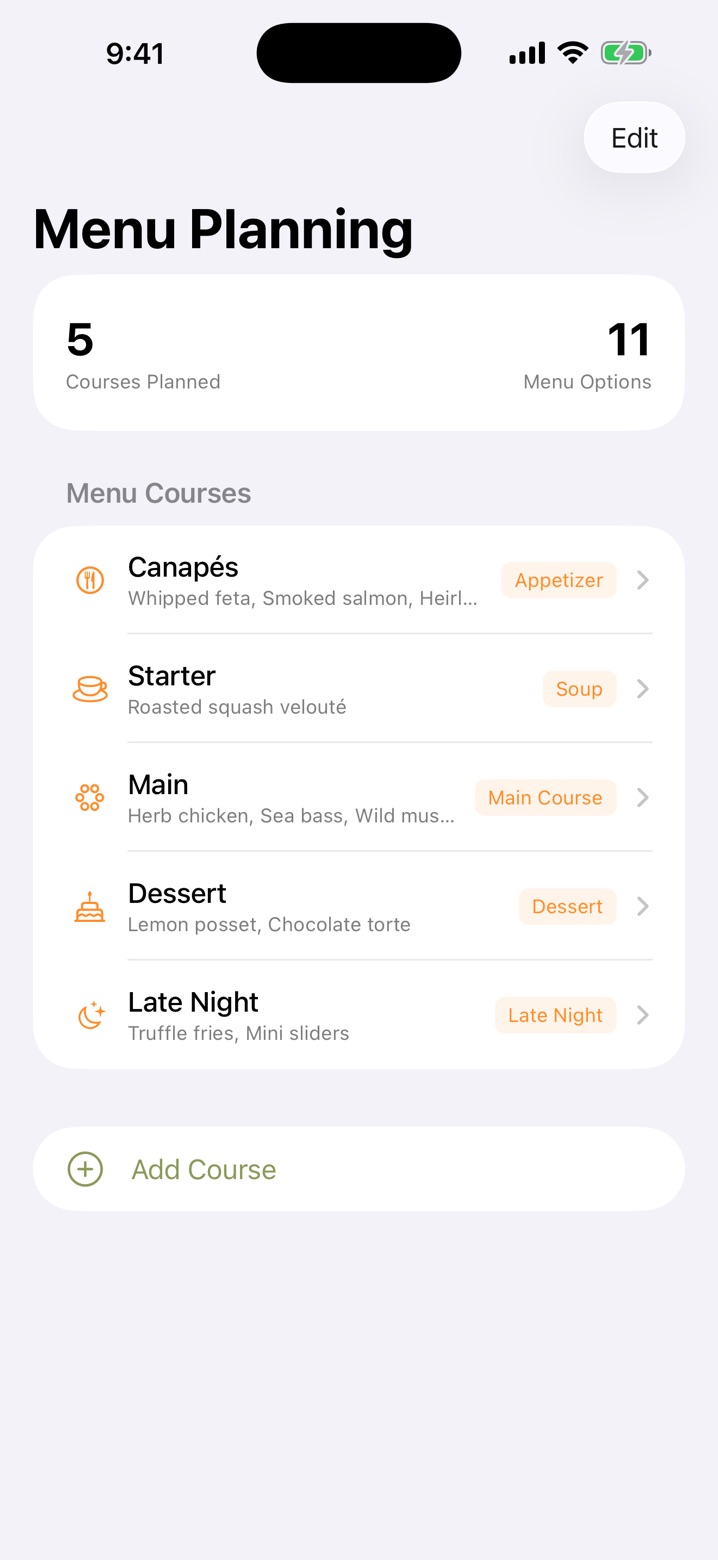
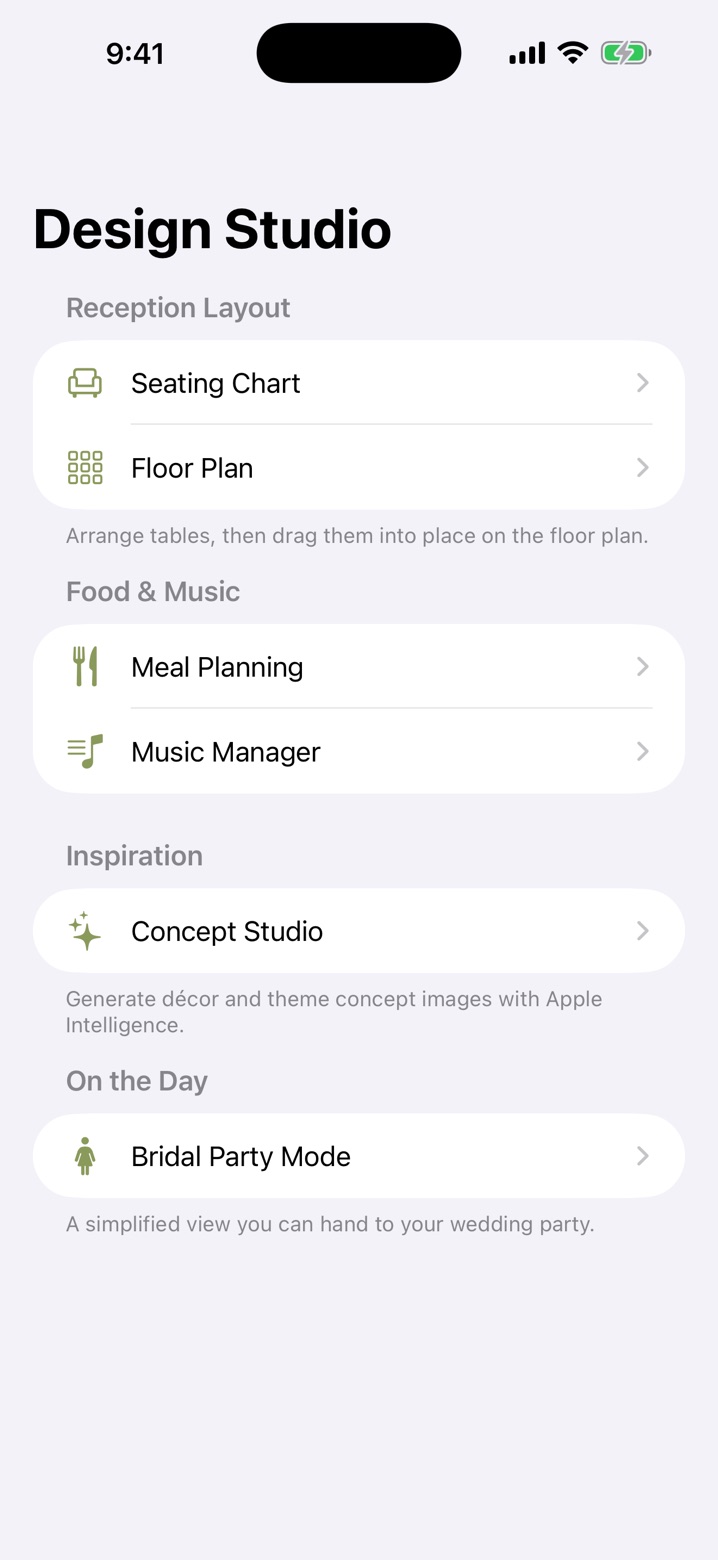
Music requests
Keep your song requests in one place, with optional Apple Music search.
Cultural traditions library
Browse wedding customs and find the ones that belong in your day.
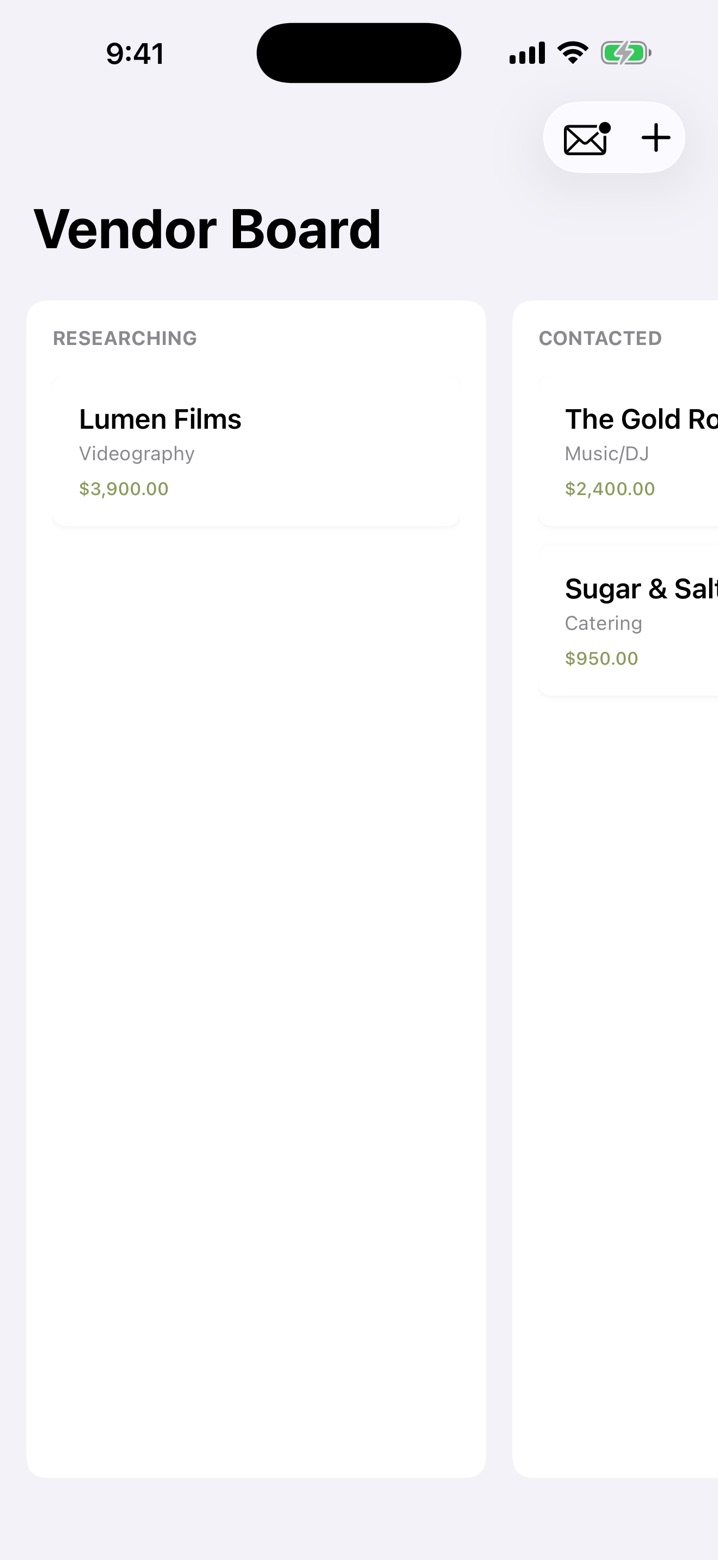
Venue list
Keep every venue you’re considering in one place.
Emergency kit checklist
The day-of bag, already thought through.
Backup & restore
Export a complete copy of your plans, move to a new phone, or hand a backup to your partner.
Spreadsheet exports
Guests, budget, vendors and timeline — ready whenever a vendor asks.
Private by design
Your wedding is nobody’s business but yours.
There’s no account system, no analytics and no server of ours. Your plans live on your device and sync across your own devices through your private iCloud. No wedding data is sent to us.
Why it’s free
“I’ve stood through enough wedding days to know exactly where the planning falls apart — so I built the tool I wished my couples had.”
Jared Countryman, wedding photographer & filmmaker · Jared Photo & Films
Questions
Good to know
Is it really free?
Yes. The app is free and nothing is purchased inside it. It’s made by a wedding photography studio for couples planning their day.
Do I need to create an account?
No. There’s no sign-in at all — the app opens straight into planning. Your plans are saved on your device and sync across your own devices using your iCloud account. Without iCloud, you can keep planning locally.
Can my partner and I plan together?
You can export a complete backup and your partner can import it from the Welcome screen on their phone. That’s a file handoff rather than live shared editing, and restoring adds plans without overwriting existing ones.
Does it only work for Las Vegas weddings?
No. It works for a wedding anywhere, and budgets support multiple currencies.
What do I need to run it?
An iPhone or iPad running iOS 26 or later. Contract scanning uses Apple Intelligence where it’s available and falls back to local text matching where it isn’t.

Start planning tonight.
Download it, enter your date, and get your guest list, budget and timeline underway.
Download free on the App Store Free · iPhone & iPad · iOS 26 or later